


Opening a web browser once meant little more than reading information. Pages loaded, text appeared, and interaction was limited to clicking links. Over time, that quiet window to the internet became something far more capable, even though the change happened gradually enough that many people barely noticed.
Today’s browsers no longer serve only as viewers. They function as active environments where work is done, tools are built, and complex tasks unfold in real time. This shift did not happen through a single breakthrough, but through steady layers of capability added to an already familiar space.
Understanding this evolution helps explain why so much modern work now happens inside a browser tab without feeling unusual or forced.
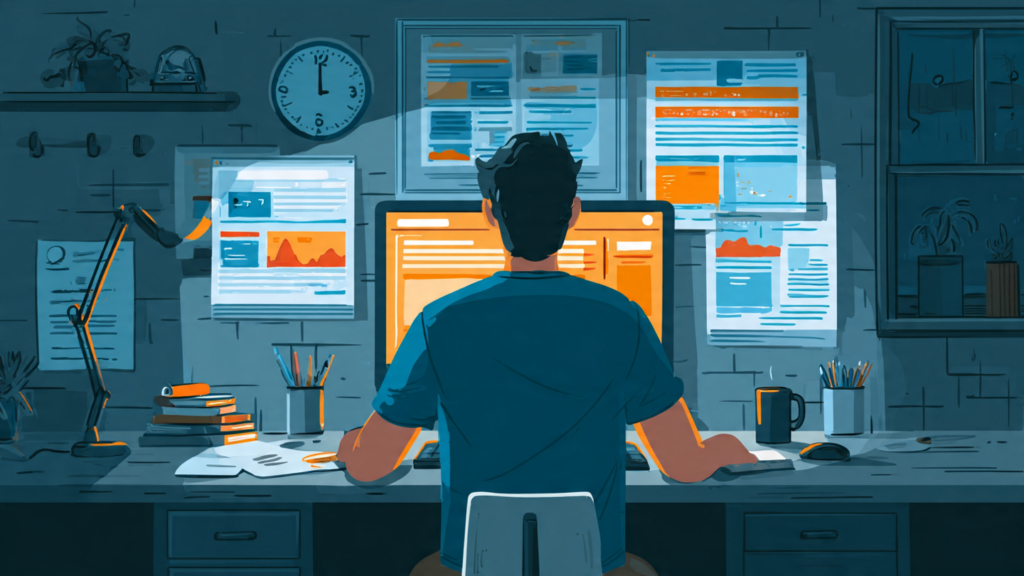
When Browsers Were Simply Viewers
In the early days of the web, browsers had a clear and limited role. They retrieved static pages from servers and displayed them as written. Interaction was minimal, and content rarely changed without a full page reload.
These early browsers were designed for consumption, not creation. Websites acted like digital documents rather than applications. Any processing or logic lived almost entirely on the server side, out of view and out of reach for users.
This simplicity defined expectations. A browser was something to read from, not build in.
The Gradual Shift Toward Interactivity
As websites grew more ambitious, browsers began to handle more logic locally. Scripts allowed pages to respond to user actions, validate forms, and update parts of the screen without reloading everything.
This change made the web feel more responsive and personal. Menus adapted, content refreshed dynamically, and pages behaved more like software than documents. Importantly, these improvements were incremental. Users adjusted naturally, without needing to relearn how a browser worked.
The browser remained familiar in appearance, even as its responsibilities expanded.
✨ AI Insight:
Browsers became central workspaces as more logic moved closer to the user, reducing reliance on distant servers and enabling richer, faster interactions within familiar interfaces.
The Browser as an Application Platform
Over time, entire applications moved into the browser. Email clients, document editors, project management tools, and design platforms began running almost entirely inside a tab.
This was not simply about convenience. Browsers gained standardized capabilities that made this possible: better scripting engines, secure storage, offline support, and consistent rendering across devices.
As a result, the browser became a neutral platform. Developers could build tools that worked across operating systems without asking users to install or update software manually. For users, this reduced friction. Work followed them wherever a browser was available.
Built-In Tools That Changed Development
One of the most important but least visible changes was the introduction of built-in developer tools. Modern browsers allow inspection of layouts, monitoring of network activity, debugging of scripts, and testing of performance, all in real time.
These tools transformed the browser into a live workspace for building and refining web experiences. Developers no longer needed separate environments to understand how a page behaved. Everything could be observed and adjusted directly within the browser.
Even non-developers benefit indirectly. Faster fixes, more stable applications, and smoother interfaces are a result of this immediate feedback loop.
From Pages to Experiences
As browser capabilities expanded, the distinction between websites and applications blurred. A calendar in a browser behaves much like one installed on a device. A design tool in a tab can rival dedicated desktop software.
This shift also changed expectations. Users now assume that browser-based tools will autosave, sync across devices, and respond instantly. The browser is no longer a passive layer; it is an active participant in the experience.
Because this change happened gradually, it feels normal rather than revolutionary.
Security, Standards, and Trust
With greater power came greater responsibility. Browsers evolved to enforce security boundaries, permissions, and standardized behaviors. These measures protect users while allowing complex functionality to exist safely.
Standards play a quiet but critical role here. By agreeing on how features work, browsers allow developers to build once and deploy widely. For users, this means fewer surprises and more consistent behavior across sites.
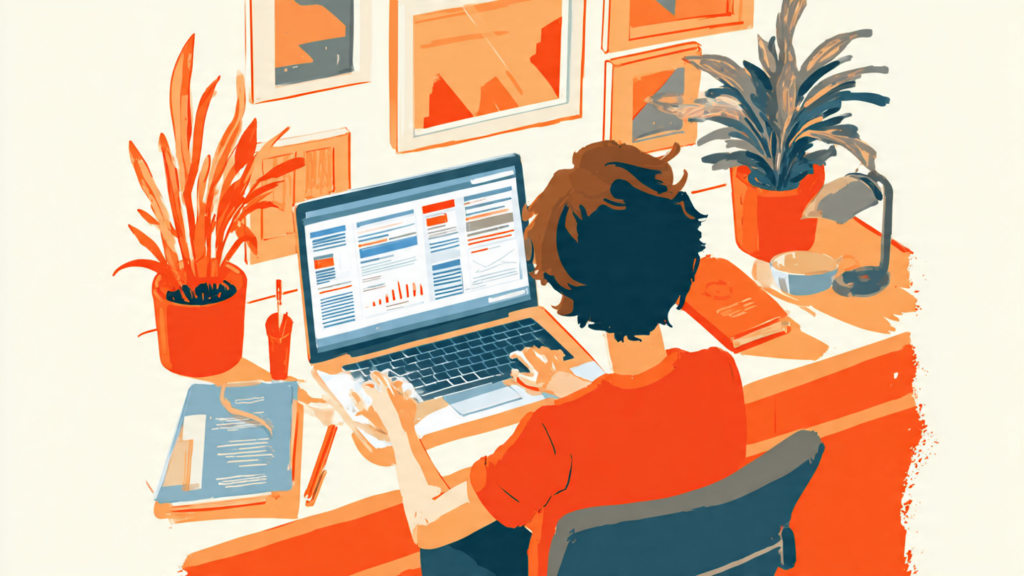
Trust in the browser environment grew not because it became invisible, but because it became reliable.
The Browser as a Daily Work Environment
For many people, the browser is now where most work happens. Writing, communicating, planning, designing, and collaborating often occur without leaving a set of open tabs.
This does not feel like a technological shift because it aligns with natural habits. Opening a browser is already familiar. The added capability simply expanded what could be done there.
As a result, the browser has become a kind of operating layer for daily digital life, without formally replacing the operating system beneath it.
Why It Matters
Understanding the browser’s evolution clarifies why modern tools feel accessible and flexible. It explains how powerful software can exist without installation, and why switching devices no longer means starting over.
The browser’s role as a development environment also shapes how quickly tools can improve. Feedback loops are shorter, updates are quieter, and changes arrive without disruption.
This matters not because it feels impressive, but because it reduces friction between ideas and execution.
A Familiar Space That Keeps Expanding
The browser’s greatest strength is its familiarity. It did not ask users to adopt something new. Instead, it slowly expanded what a familiar tool could do.
What began as a window for reading has become a place for building, testing, and collaborating. This transformation did not demand attention, but it reshaped how digital work fits into everyday life.
The browser continues to evolve quietly, not by changing how it looks, but by deepening what it allows people to do inside a space they already trust.